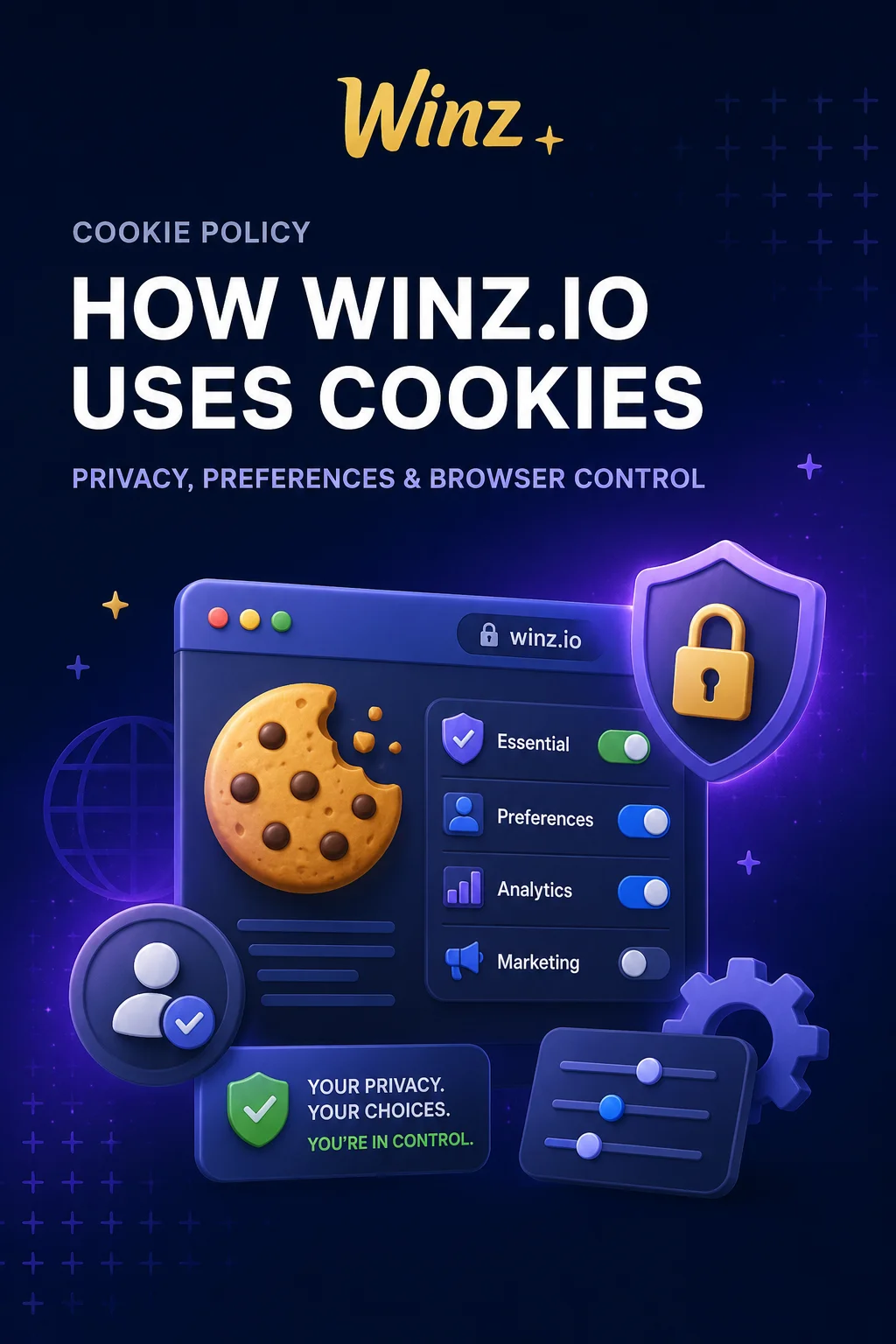
Cookie Policy: How Winz.io Uses Cookies and What It Means for You
This page explains which cookies Winz.io places on your device, the purposes they serve and the options for managing or disabling them through your browser. The policy covers both first-party and third-party cookies across all pages of the website. Full platform information and access are available on the Winz Casino homepage.
What Are Cookies and Why Winz.io Uses Them
Cookies are small text files that a web browser stores on your device during a site visit. Each file contains data that the server reads on subsequent visits to recognize the session or stored preferences. Winz.io relies on cookies for three core functions:
- maintaining an active login session so the user does not need to re-enter credentials on every page.
- remembering interface preferences such as language, currency and display settings.
- ensuring stable platform operation by tracking session continuity.
Without these files, the website would treat every page request as a new visit from an unrecognized device, disrupting basic functionality like staying logged in.
Types of Cookies Applied on the Platform
Winz.io uses several categories of cookies, each serving a distinct role:
- essential — required for login sessions, security tokens and page routing; cannot be disabled.
- functional — store user preferences such as language, timezone and layout choices.
- analytical — collect aggregated, anonymized data about page views and navigation patterns.
- marketing — track browsing activity to deliver relevant content and advertisements.
Third-Party Cookies and External Services
Winz.io may allow third-party services — analytics providers and advertising platforms — to place cookies on your device. Each service operates under its own privacy policy, which governs data collection independently from Winz.io. The platform does not control the content or retention period of third-party cookies. Users who want to review or restrict these files can do so through browser settings or by visiting the privacy pages of the respective providers.
How to Manage or Disable Cookies in Your Browser
Every modern browser — Chrome, Firefox, Safari, Edge — offers built-in controls for managing cookies. Through the settings menu you can:
- view all cookies stored by a specific website.
- delete individual cookies or clear the entire cache.
- block all cookies from a particular domain.